Add an API to CopyApes
1
Log in to CopyApes and click Add API
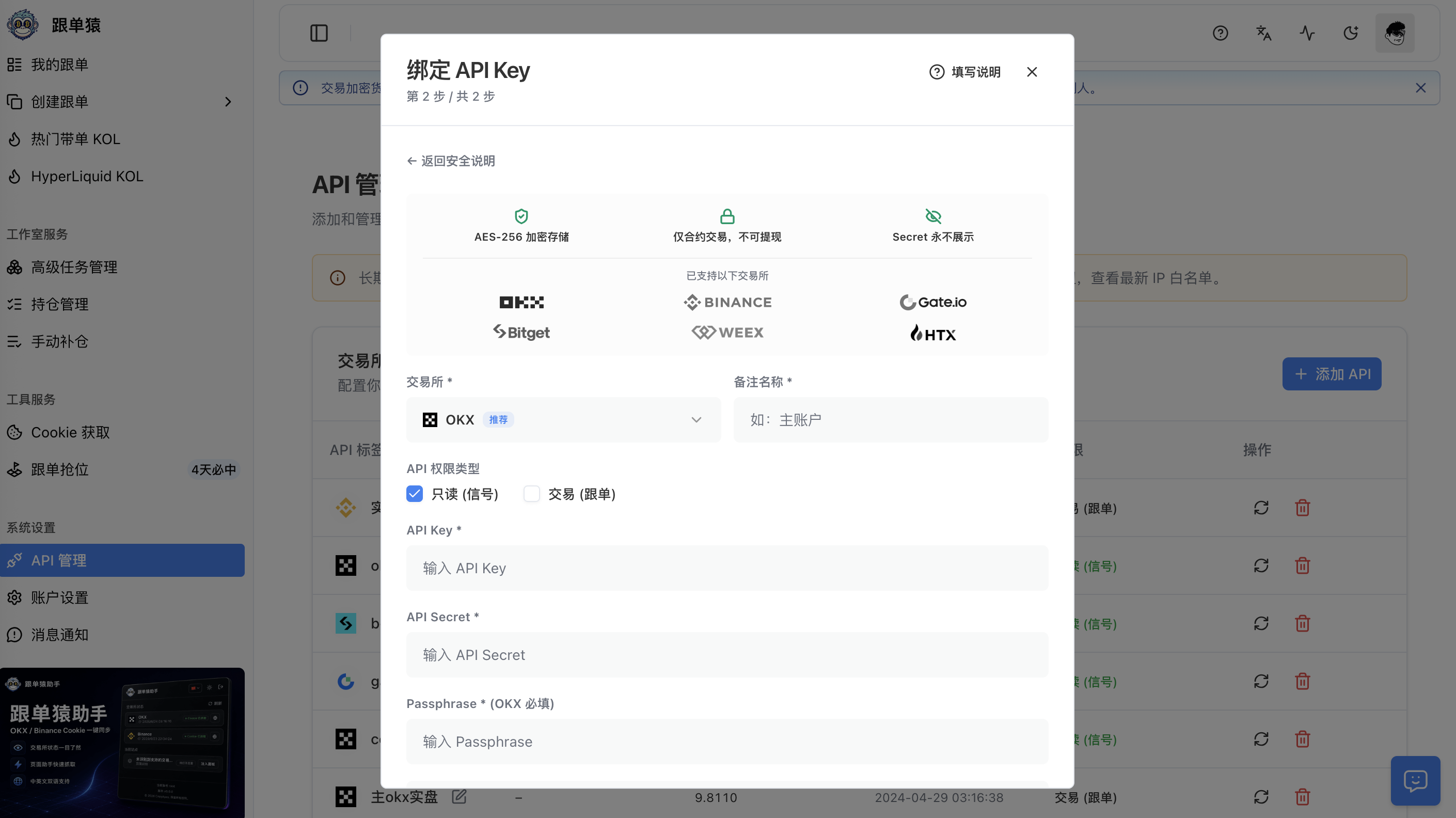
2
Select the corresponding exchange and enter the API details
Note:
When adding a normal copy-trading API, do not check “Read-only”
Note:
If you are adding a lead-trader API (to follow this API for synchronized trading), you must check “Read-only”, and this API must not have any IP whitelist entries; otherwise it will not work.
Enter the API key and secret you just applied for on the exchange.
For OKX, you also need to enter the PassPhrase you set when creating the API