Copy a lead trader
1
Select a trader
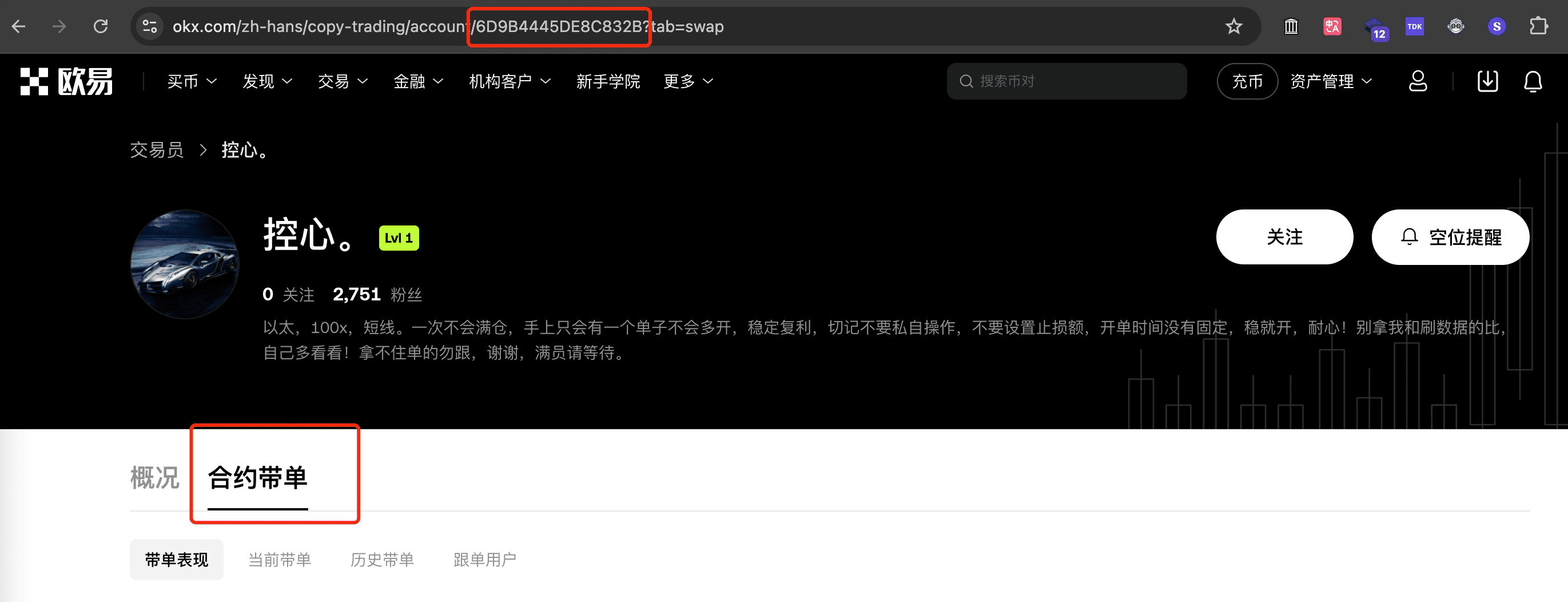
First make sure you selected a futures lead trader. The 6D9B4445DE8C832B in the address bar is that trader’s ID
2
Check whether the trader hides positions
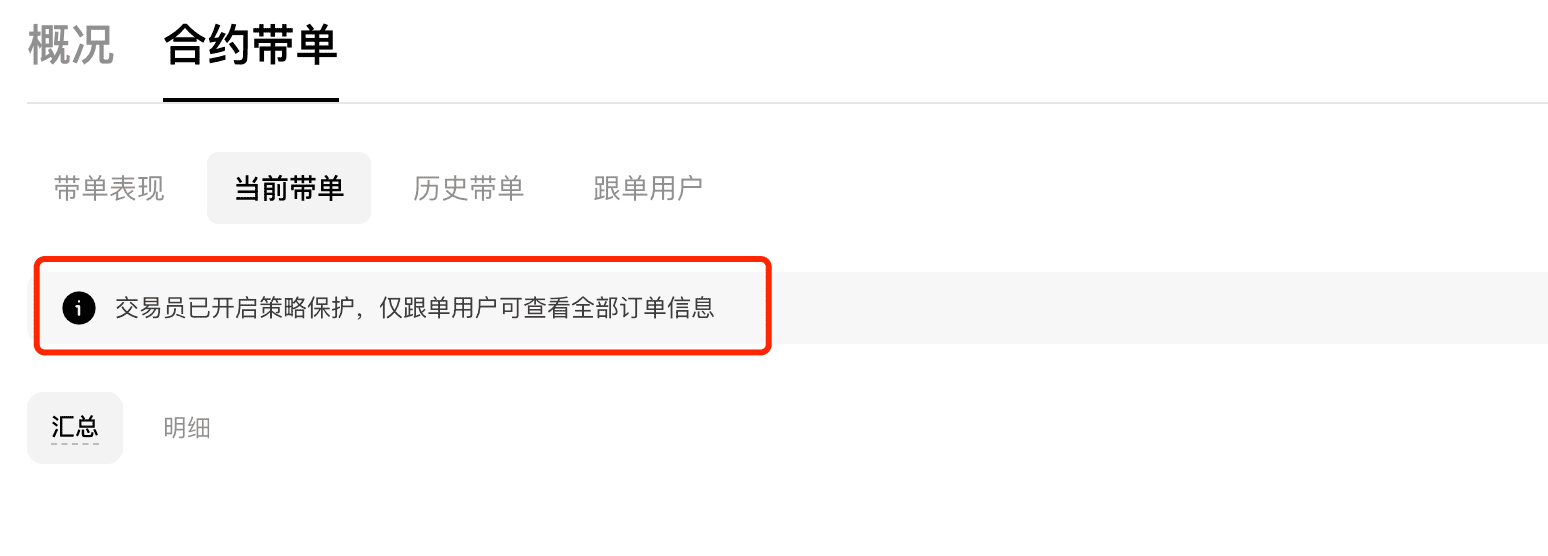
If you see the prompt above, the trader has hidden position information and cannot be copied directly.
To copy them, first copy-trade with your own exchange account to obtain position data, then use the Cookie copy trading feature
3
Create a copy-trading task
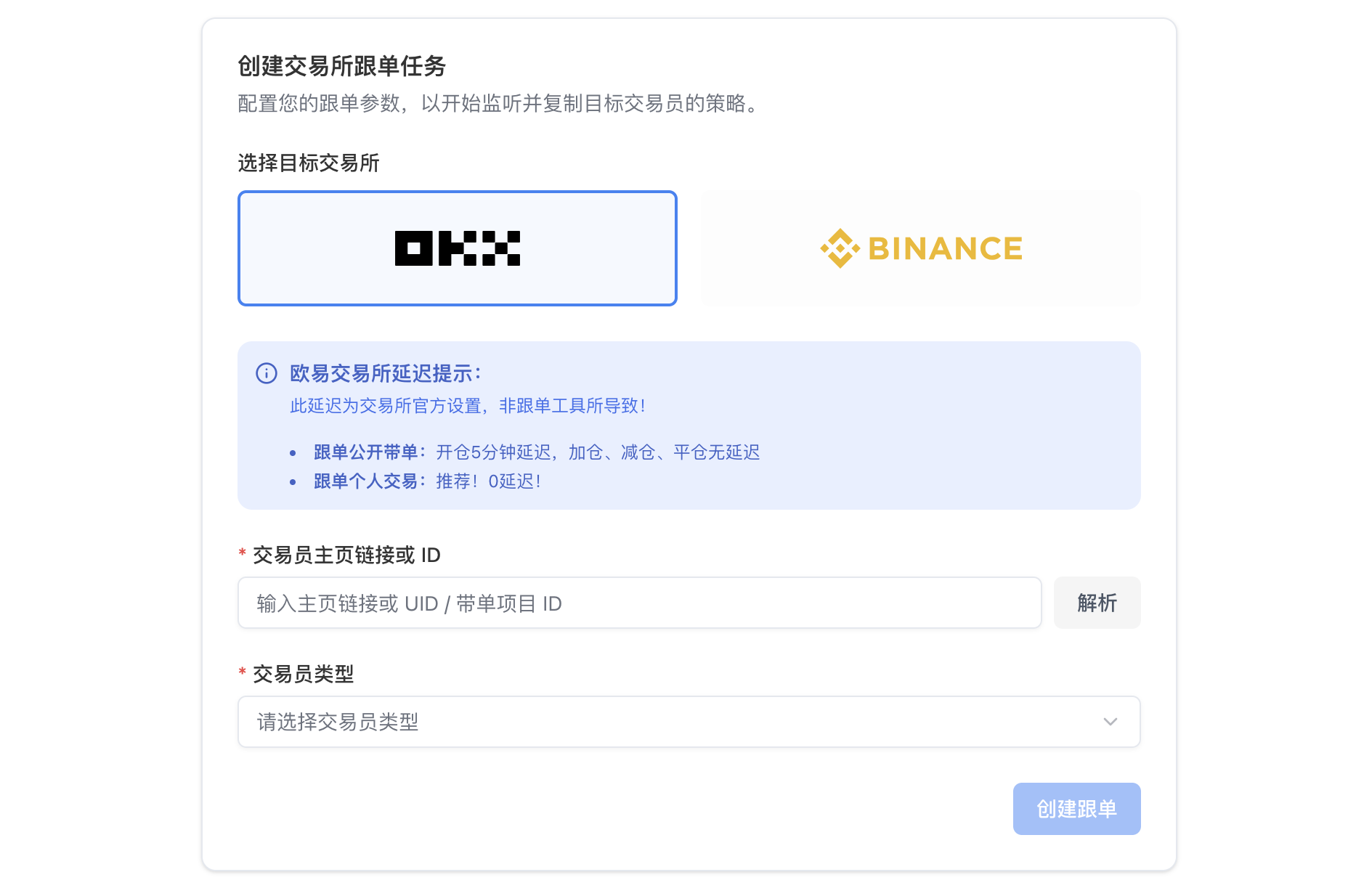
Click Create copy trade, select the OKX exchange and Public lead trading, then enter the trader ID