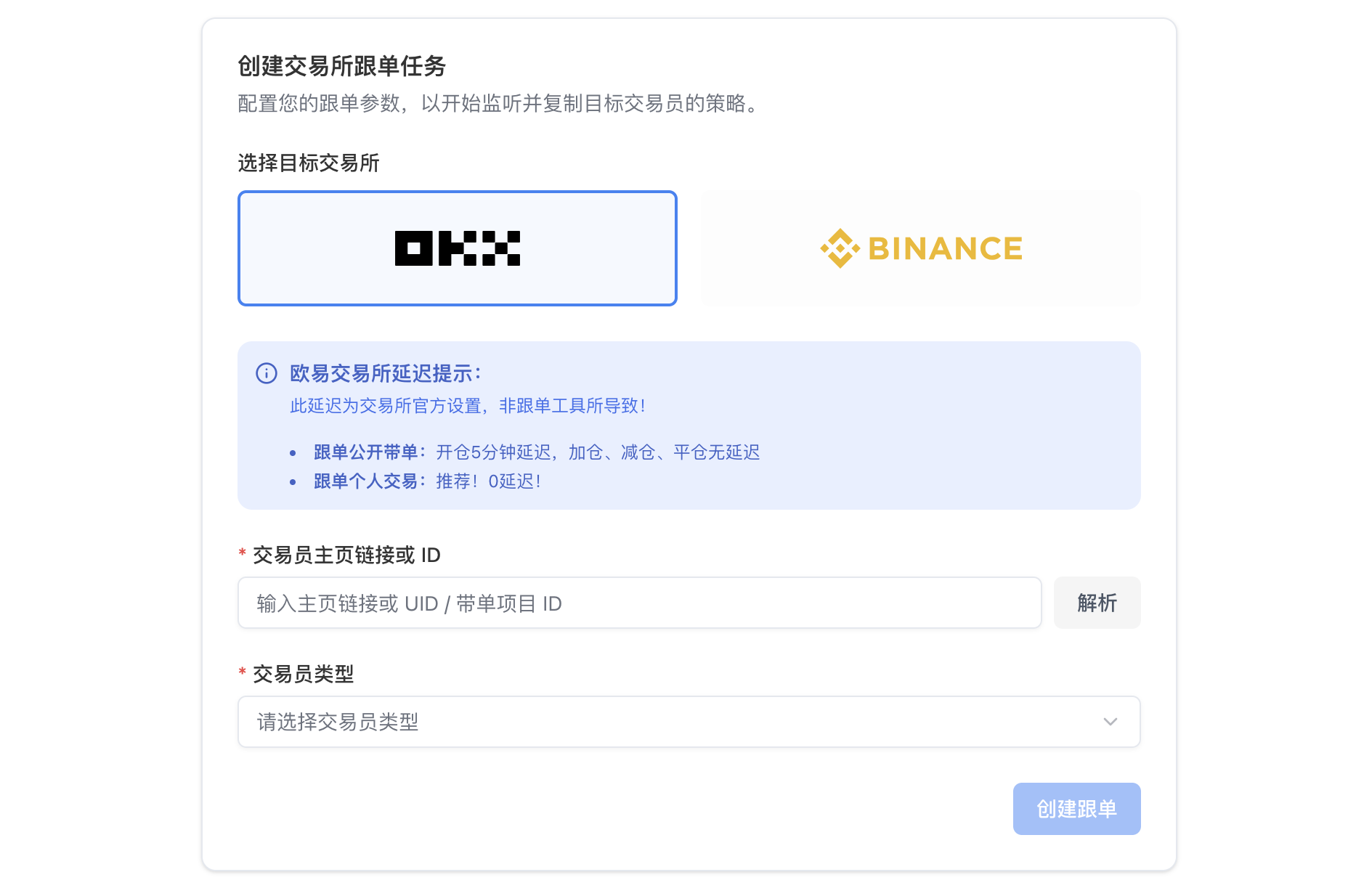
Copy a personal profile trader
1
Select a trader
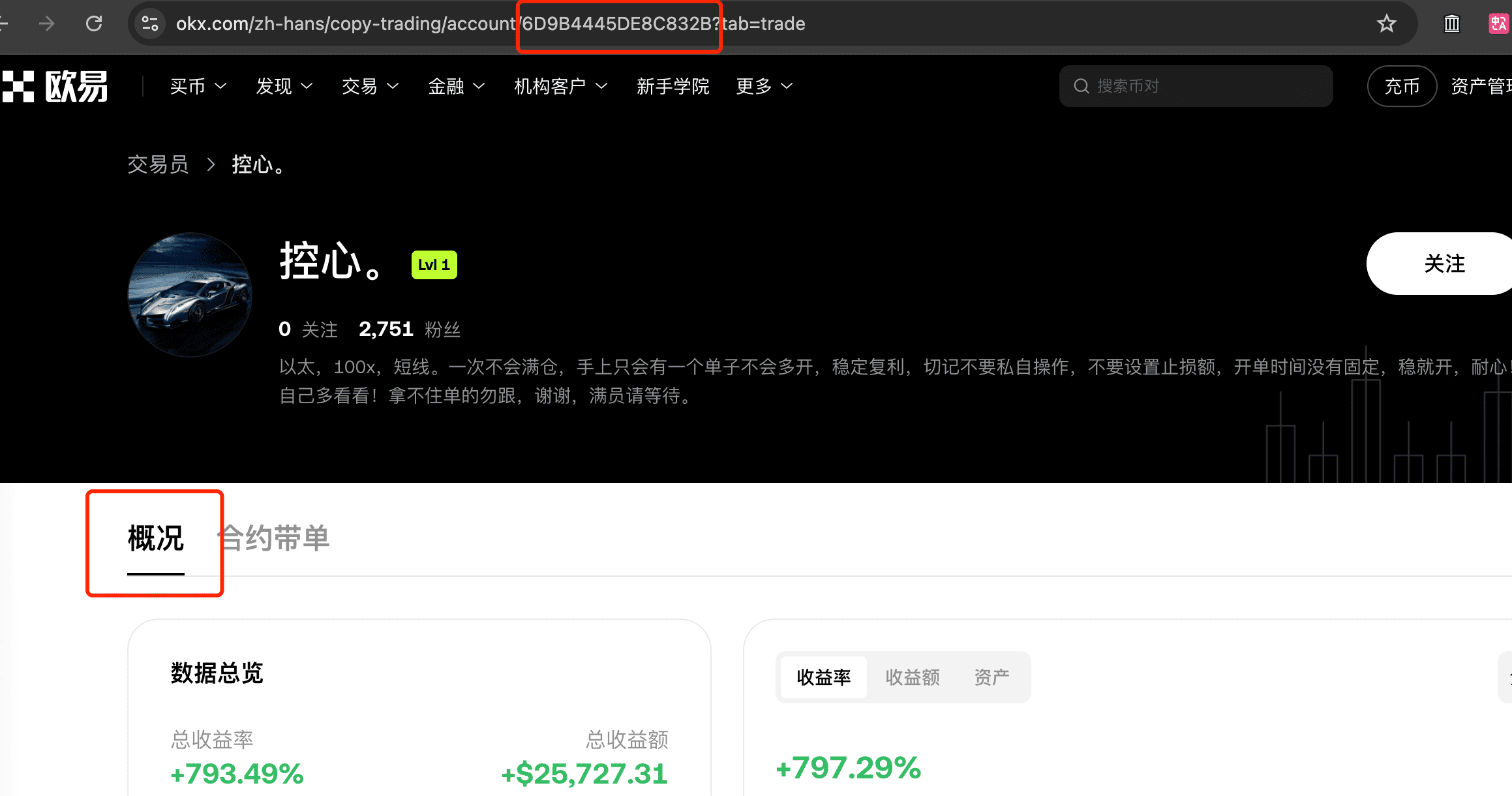
First make sure you selected the trader’s “Overview” page. The 6D9B4445DE8C832B in the address bar is that trader’s ID
2
Check whether the trader hides positions
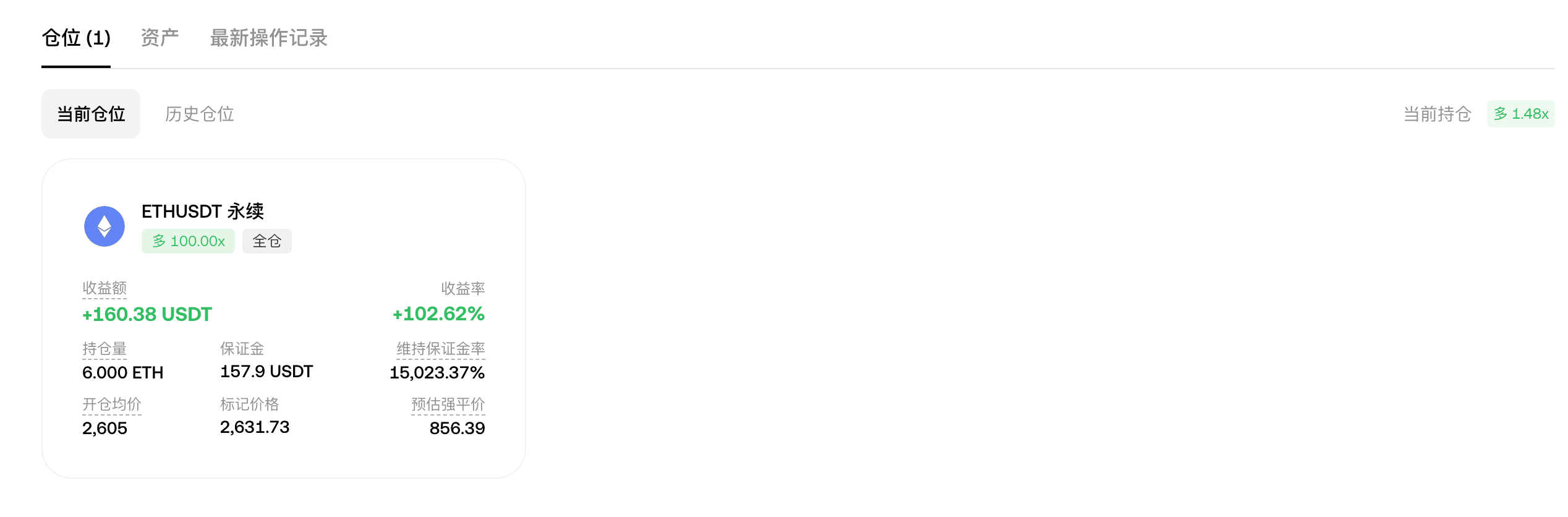
If you can see the current positions, the trader is not hiding them and you can copy-trade; otherwise you cannot.
3
Create a copy-trading task
Click Create copy trade, select the OKX exchange and Personal trading, then enter the trader ID